
For users without premium services:
How to search on a desktop/ laptop:
You may search any stock using the search bar at the top left-hand corner of your screen.

Click in the search box and enter a ticker symbol or the name of the stock you are interested in searching and you will be directed to a summary and charts.
Please note that our free content does not include official recommendations.
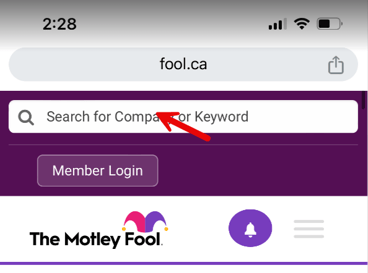
How to search on a mobile device/ tablet:
Click in the search box and enter a ticker symbol or the name of the stock you are interested in searching.
You'll then be directed to to a summary and charts.
Please note that our free content does not include official recommendations.