
You can update your email address from your accounts page.
Click on 'Change Email' enter your new email address and click 'Update Email'.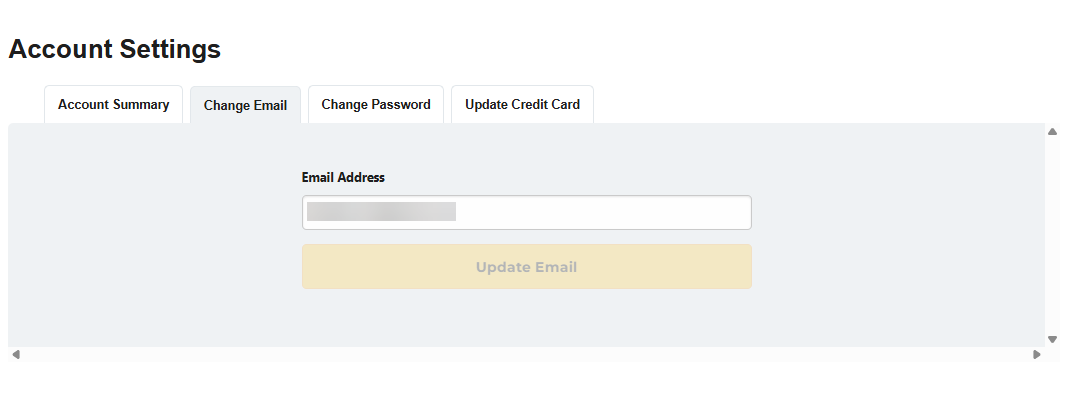
You may also send the request from your registered email address to our Member Services team at membersupport@fool.ca and include the new address you wish to use, and we will update it for you.